Project input
Client brief
“Open office lounge with pendant lighting, acoustic rug, lounge seating, and warm hospitality feel.”
- Rooms and requirements detected
- Adjacency and use intent extracted
- Needs professional approval
DnBOM platform
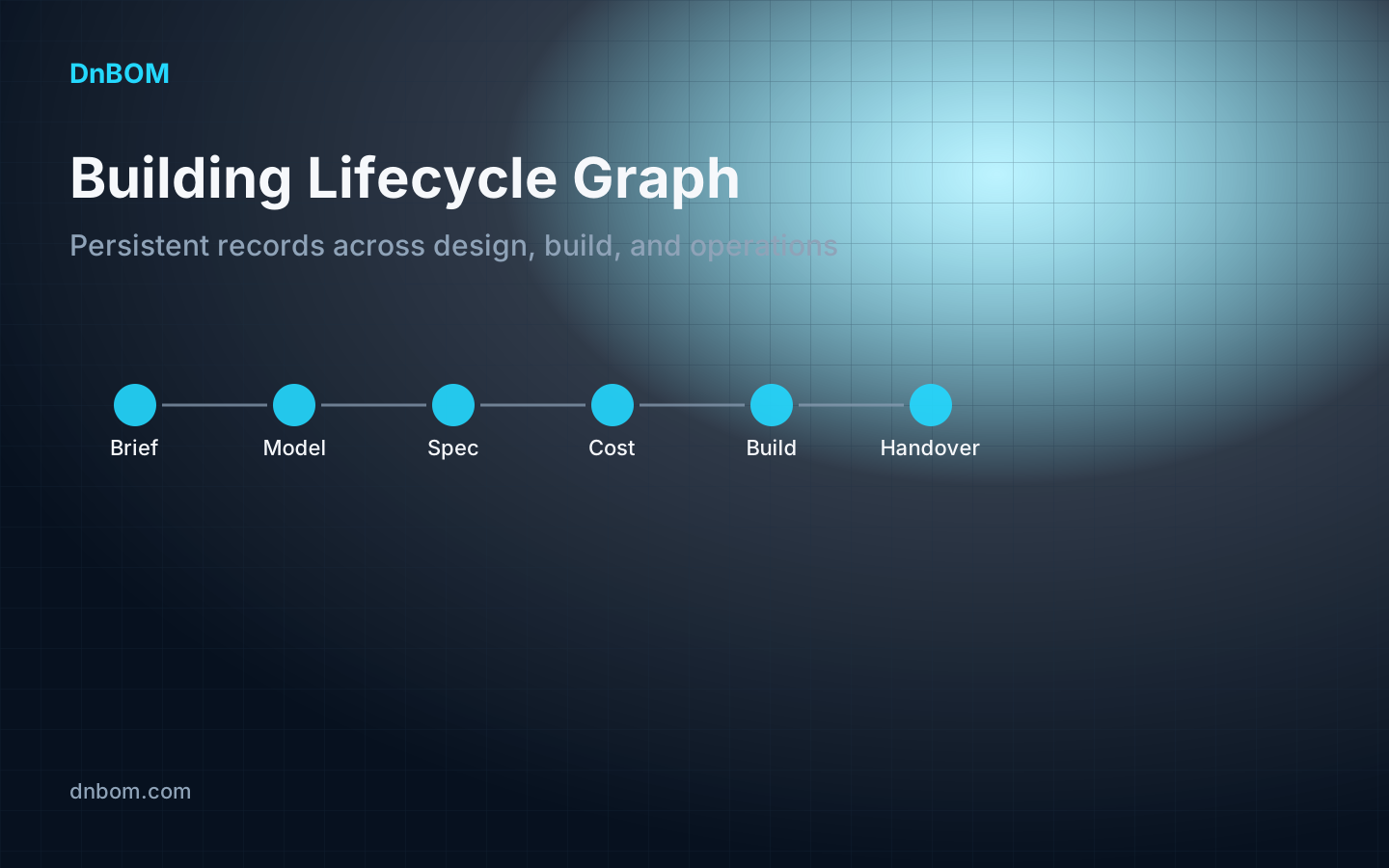
DnBOM connects client briefs, model objects, specifications, cost, procurement, construction administration, and handover into one lifecycle object graph.
Linked to room, product, CSI section, cost baseline, lead-time risk, and owner handover record.
The problem
Teams do not lack software. They lack a shared lifecycle object graph across brief, model, specs, cost, procurement, site, and handover.
Signature homepage feature
Click the workflow steps to see how DnBOM turns one project input into connected design-build data.
Project input
“Open office lounge with pendant lighting, acoustic rug, lounge seating, and warm hospitality feel.”
DnBOM object graph
Generated outputs
DnBOM creates the first approved project object: room, intent, constraints, source, confidence, and review status.
First killer workflow
The website leads with the first proof workflow while the app exposes all nine modules for forward-compatible refinement.
RFPs, leases, notes, meeting transcripts, and client requirements become structured brief records.
Revit, SketchUp, IFC, CSV, and XLSX object exports become model-element graph records.
AI agents classify objects, suggest CSI/IFC/OmniClass mappings, and flag missing fields.
Professionals approve, edit, or reject AI recommendations before graph write-back.
FF&E, finishes, lighting, equipment, door/hardware, cost, and procurement schedules stay linked.
Warranty, O&M, COBie-style fields, owner asset records, and closeout gaps are seeded early.
All platform modules open
Each module is visible in this version so the team can refine the full platform direction without hiding future scope.
Early project viability is scattered across leases, property records, code notes, site constraints, and owner assumptions.
Client requirements live in notes, emails, RFPs, leases, PDFs, and meeting transcripts, causing scope gaps and re-entry.
Teams need fast options but current test fits rarely preserve structured data for downstream specs, cost, and handover.
Revit/SketchUp models often lack consistent classification, metadata, and downstream procurement/handover readiness.
Specification and FF&E information is manually assembled from models, supplier websites, PDFs, and spreadsheets.
Cost impact is not visible quickly enough when design or specification changes happen.
Approved design choices do not reliably flow into RFQs, submittals, POs, delivery tracking, and substitution decisions.
RFIs, field issues, photos, submittals, and changes are disconnected from the model/spec/cost context.
Owners often receive weak asset data, scattered O&M documents, and incomplete warranties at closeout.
Trust layer
DnBOM does not let AI silently overwrite professional project data. Every high-risk recommendation has a source, confidence score, linked object, and approval status.
AI recommendation
Specialist agents
Each agent is scoped to a design-build workflow and supports extraction, classification, validation, recommendation, drafting, and proposed graph updates.
Summarizes property, lease, site, and early feasibility risks.
Extracts requirements and creates room programs and adjacency logic.
Generates and scores test-fit/concept options.
Classifies Revit/SketchUp/IFC model objects and validates metadata.
Creates specs, FF&E, finish, lighting, and product schedules.
Estimates costs, quantities, deltas, and VE alternates.
Checks information completeness and compliance-aware checklists.
Drafts RFQs, compares quotes, and flags lead-time risks.
Links RFIs, issues, photos, submittals, and changes to graph context.
Creates owner asset, warranty, O&M, and COBie-style records.
Answers questions across project graph and documents with sources.
U.S. architecture and interiors
DnBOM integrates before it replaces: authoring tools on one side, construction and owner systems on the other, and a shared lifecycle graph in the middle.
Design partner pilot
Process one project through brief extraction, model/object classification, live schedule generation, cost/procurement seeding, and pilot reporting.
Pilot requests require company, role, and a work email or phone so DnBOM can prioritize serious design-partner leads.